


vue 自定指令生成uuid滚动监听达到tab表格吸顶效果的代码
时间:2020-09-16 11:00:20|栏目:|点击: 次


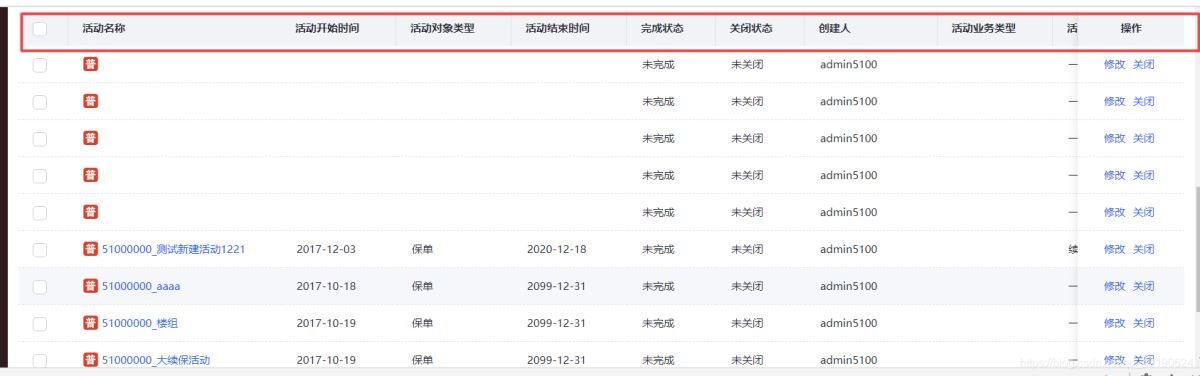
utils/index,.js
/**
 * 生成UUID
 * @param withSeparator 是否有分割符
 * @returns {string}
 */
export function generateUUID(withSeparator = true) {
 let d = new Date().getTime()
 if (window.performance && typeof window.performance.now === 'function') {
  d += performance.now()
 }
 const tpl = withSeparator ? 'xxxxxxxx-xxxx-4xxx-yxxx-xxxxxxxxxxxx' : 'xxxxxxxxxxxx4xxxyxxxxxxxxxxxxxxx'
 return tpl.replace(/[xy]/g, function(c) {
  const r = (d + Math.random() * 16) % 16 | 0
  d = Math.floor(d / 16)
  return (c === 'x' ? r : (r & 0x3 | 0x8)).toString(16)
 })
}
创建一个generate-uuid/index.js自定义指令文件
import { generateUUID } from '@/utils'
const generateUuid = {
 inserted(el, binding) {
  const { value } = binding
  if (!value) {
   const hasUUID = generateUUID(value)
   el.setAttribute('data-uuid', hasUUID)
   if (!hasUUID) {
    el.parentNode && el.parentNode.removeChild(el)
   }
  }
 }
}
generateUuid.install = function(Vue) {
 Vue.directive('generate-uuid', generateUuid)
}

export default generateUuid
main.js引入
import GenerateUUID from '@/directive/generate-uuid'
Vue.use(GenerateUUID)
页面使用
<el-table
   v-generate-uuid="false"
  >

使用uuid元素方法
const topRow = this.$refs.multipleTable
   const hash = topRow.$el.dataset.uuid
   const tableHeader = document.querySelector(`.el-table[data-uuid="${hash}"] .el-table__header-wrapper`)
   if (tableHeader) {
    tableHeader.style.width = topRow.$el.getBoundingClientRect().width + 'px'
   }
总结

